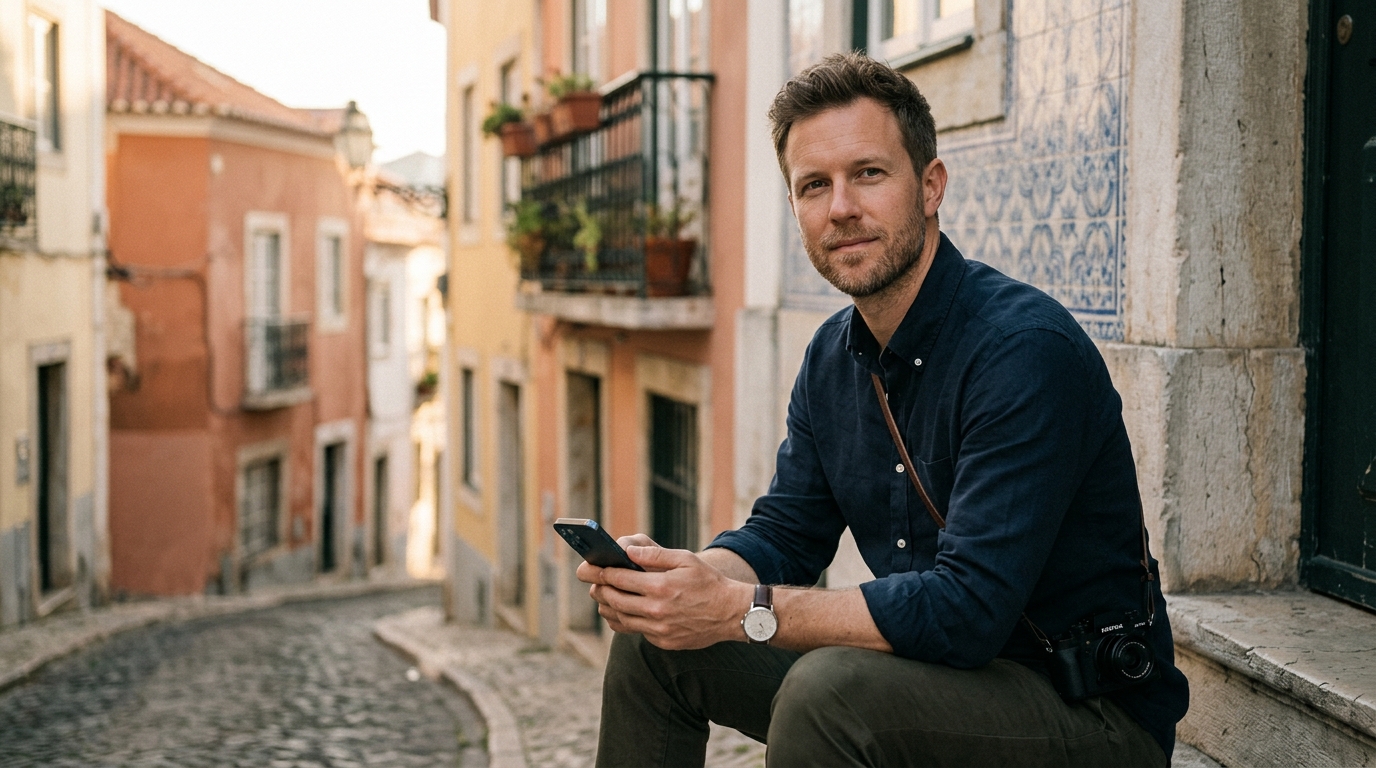
About this workshop
A fast, friendly guide to editing photos on your phone using a simple repeatable workflow. Designed for hobby photographers, travelers, and creators who want polished results without sitting at a desktop for hours.
What you’ll take with you
Learn it once. Use it everywhere.
- 01Build a repeatable mobile editing workflow
- 02Improve exposure, color, and contrast quickly
- 03Make stronger crop decisions
- 04Create a consistent look across a small image set
- 05Edit efficiently while traveling or commuting
6 short episodes
Your journey
49 min total
01
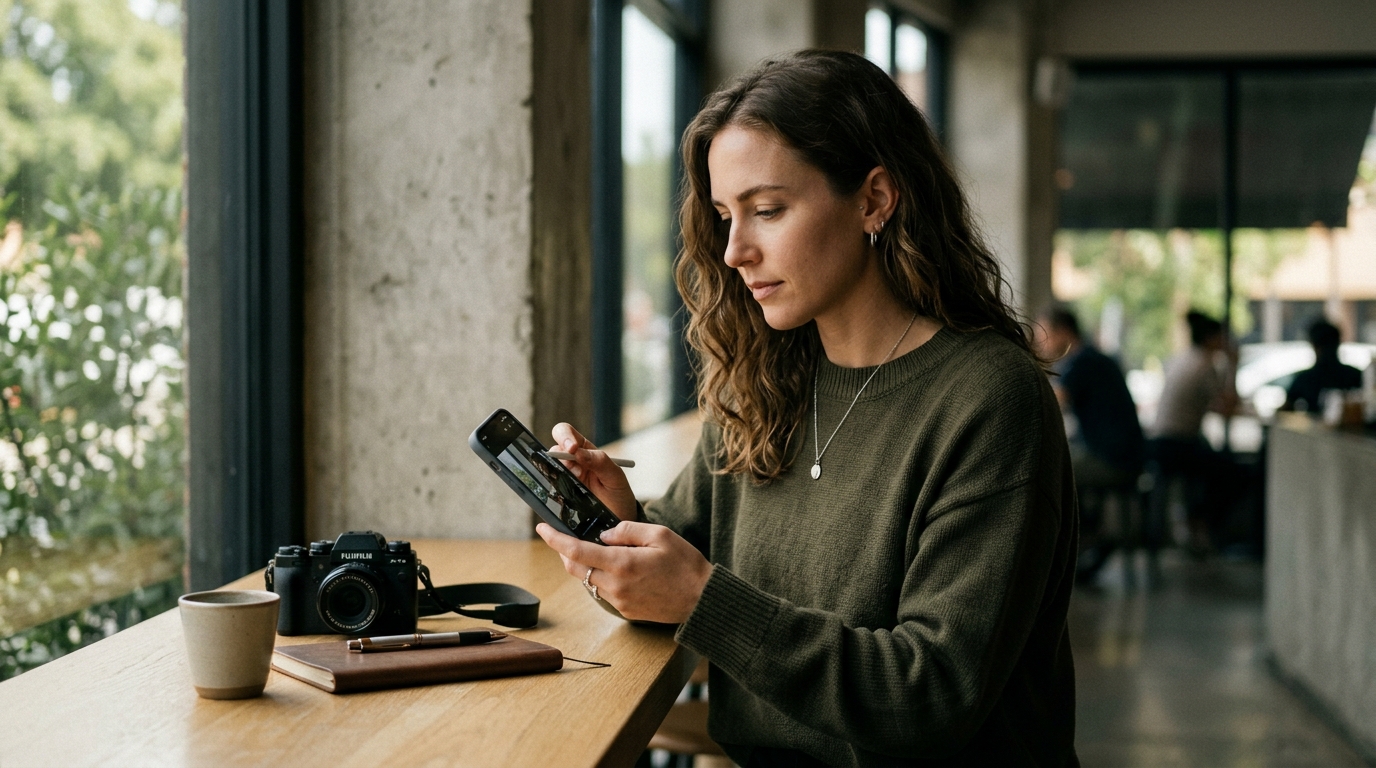 ▶
IntroWhat Makes a Good Mobile Edit?Define a simple quality standard for fast edits
7 min
02
▶
IntroWhat Makes a Good Mobile Edit?Define a simple quality standard for fast edits
7 min
02
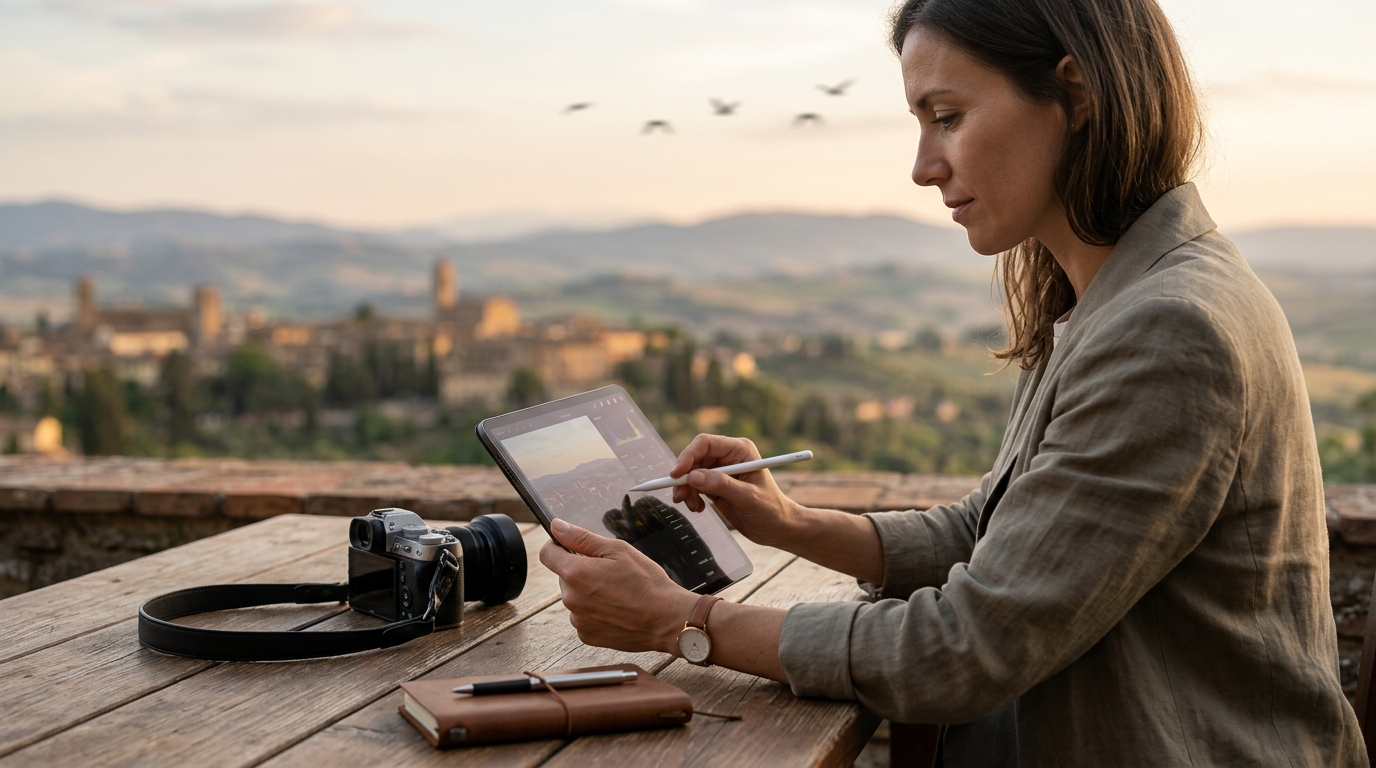 ▶
LessonMy 3-Minute Editing WorkflowLearn a fast editing sequence
8 min
03
▶
LessonMy 3-Minute Editing WorkflowLearn a fast editing sequence
8 min
03
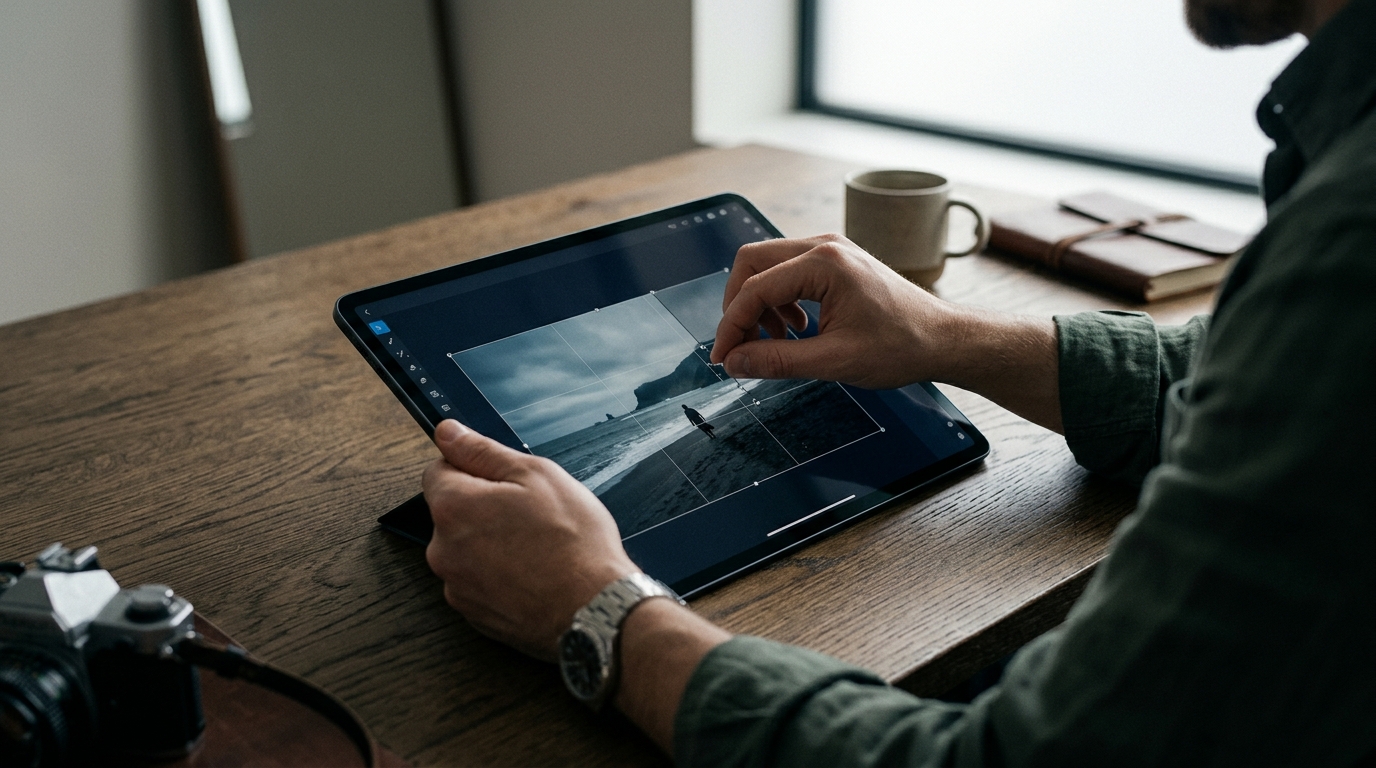 ▶
LessonBetter Crops, Better PhotosImprove composition through crop decisions
6 min
04
▶
LessonBetter Crops, Better PhotosImprove composition through crop decisions
6 min
04
 ▶
EditingFixing Color Without Going OverboardBuild believable, attractive color quickly
9 min
05
▶
EditingFixing Color Without Going OverboardBuild believable, attractive color quickly
9 min
05
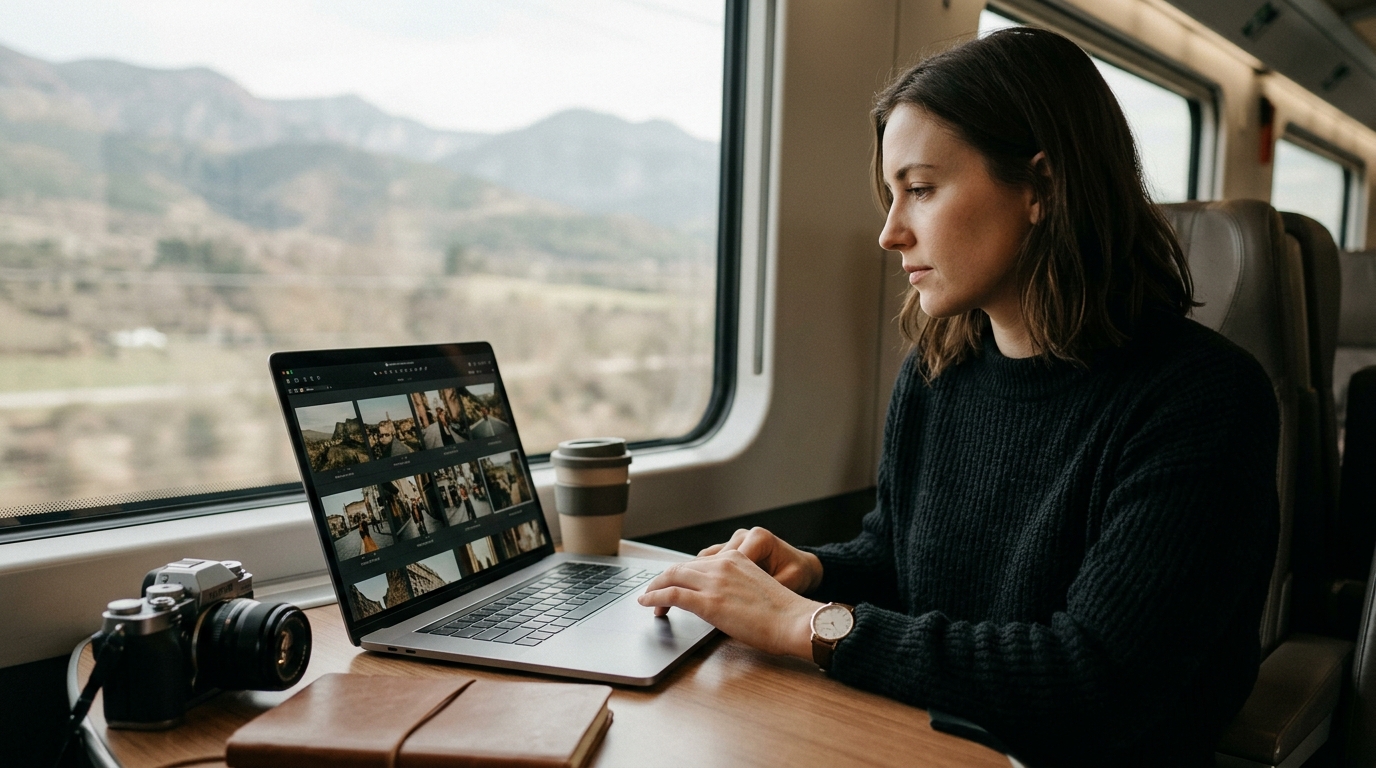 ▶
ProjectBatch Editing a Travel SetMake a small set feel cohesive
11 min
06
▶
ProjectBatch Editing a Travel SetMake a small set feel cohesive
11 min
06
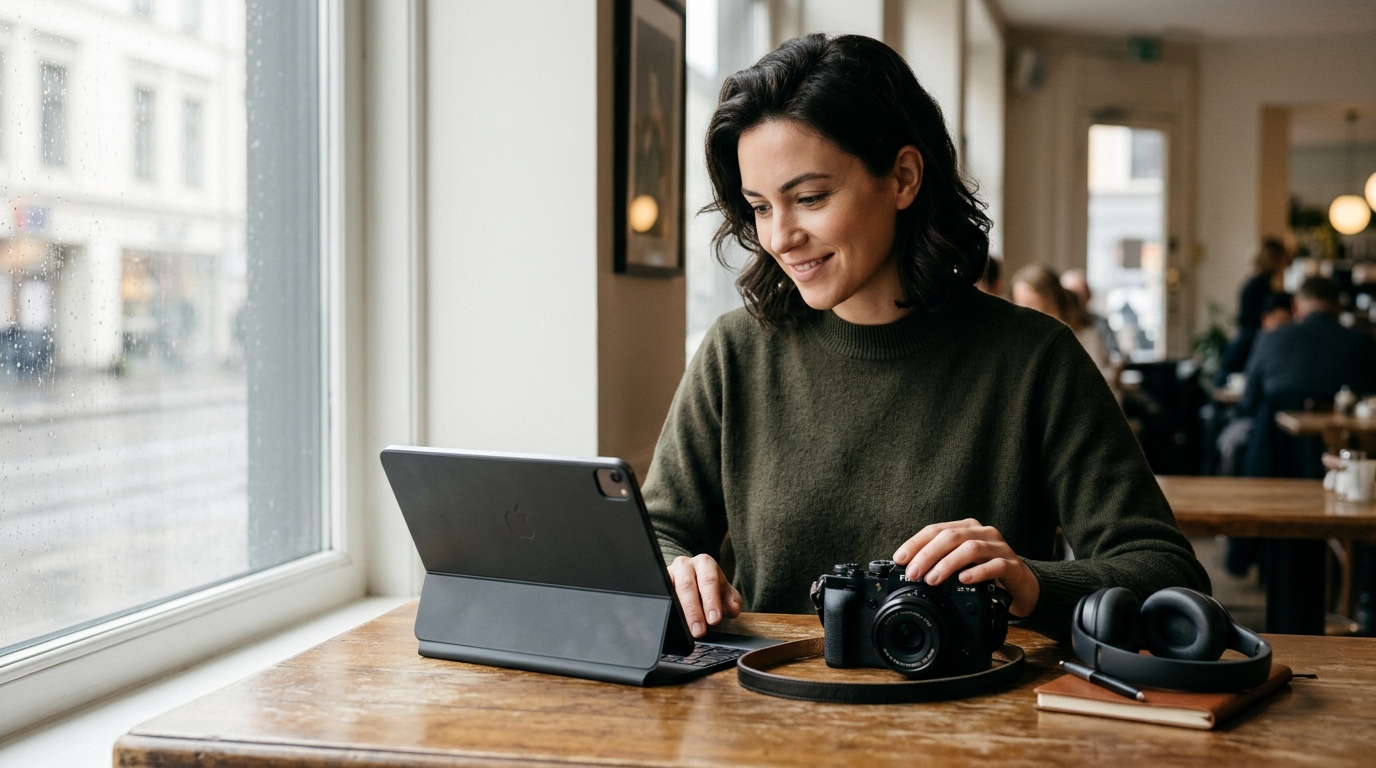 ▶
WrapExport, Share, RepeatFinish cleanly and keep the workflow sustainable
8 min
▶
WrapExport, Share, RepeatFinish cleanly and keep the workflow sustainable
8 min
▶
IntroWhat Makes a Good Mobile Edit?Define a simple quality standard for fast edits
7 min
02
▶
LessonMy 3-Minute Editing WorkflowLearn a fast editing sequence
8 min
03
▶
LessonBetter Crops, Better PhotosImprove composition through crop decisions
6 min
04
▶
EditingFixing Color Without Going OverboardBuild believable, attractive color quickly
9 min
05
▶
ProjectBatch Editing a Travel SetMake a small set feel cohesive
11 min
06
▶
WrapExport, Share, RepeatFinish cleanly and keep the workflow sustainable
8 min
The practice
Make your version
Submit one before/after edit pair and a short note about your editing choices.
Completing the task and sharing qualifying work contributes to Mobile Editing.Join to share your work with this workshop.
Join KameraclassMade in this workshop
Member gallery